
The free whiteboard app for Windows that feels like home.
Teach a lesson, solve an equation, sketch a diagram or draw something beautiful. A calculator, a graphing tool and a geometry set are built in.
- Free to download
- Works offline
- No account needed
- No ads
For Windows 10 and 11. Not at your Windows computer right now? Send yourself the link
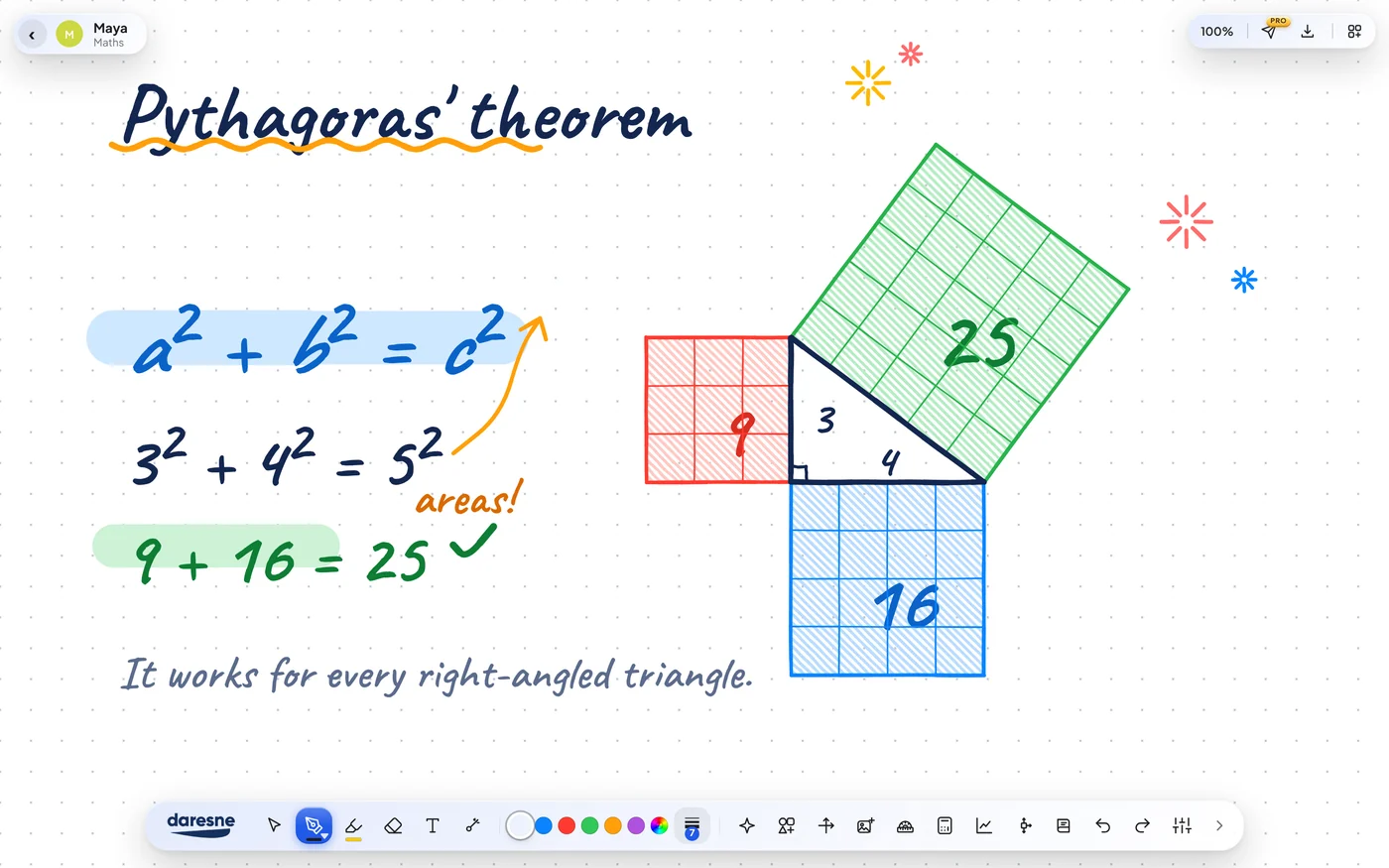
 Daresne WhiteboardMaya, Geometry
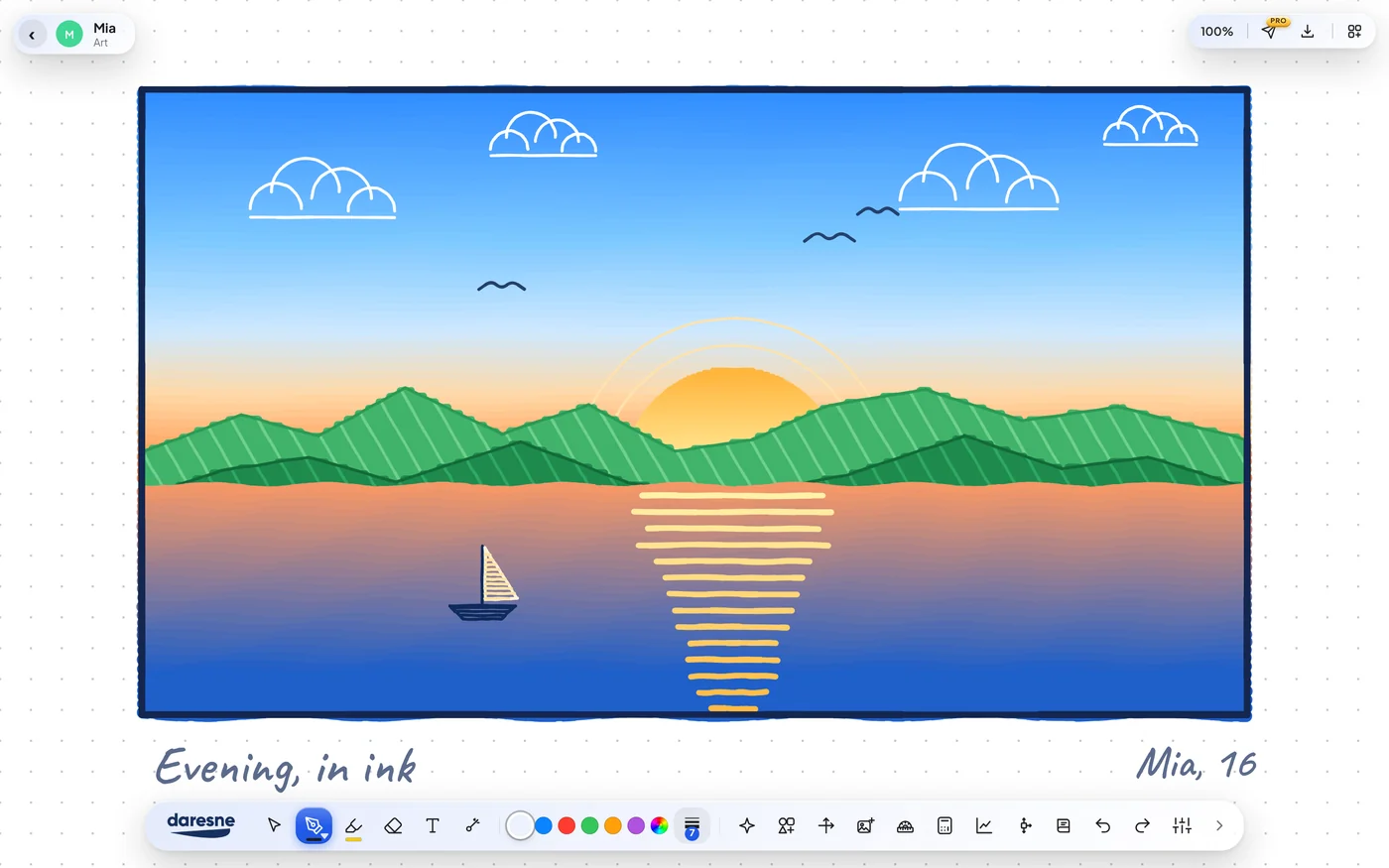
 Daresne WhiteboardMia, Art
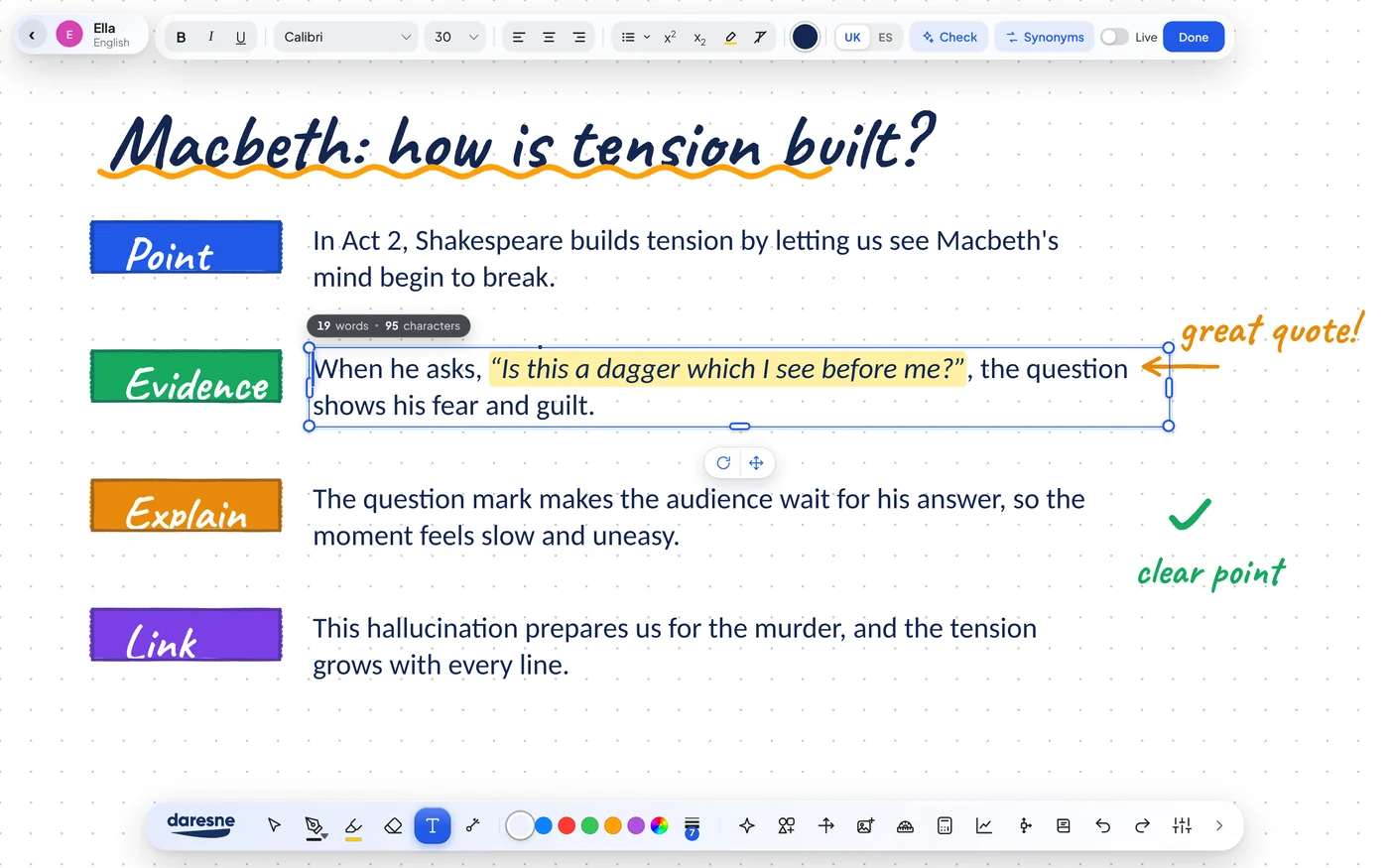
 Daresne WhiteboardElla, English
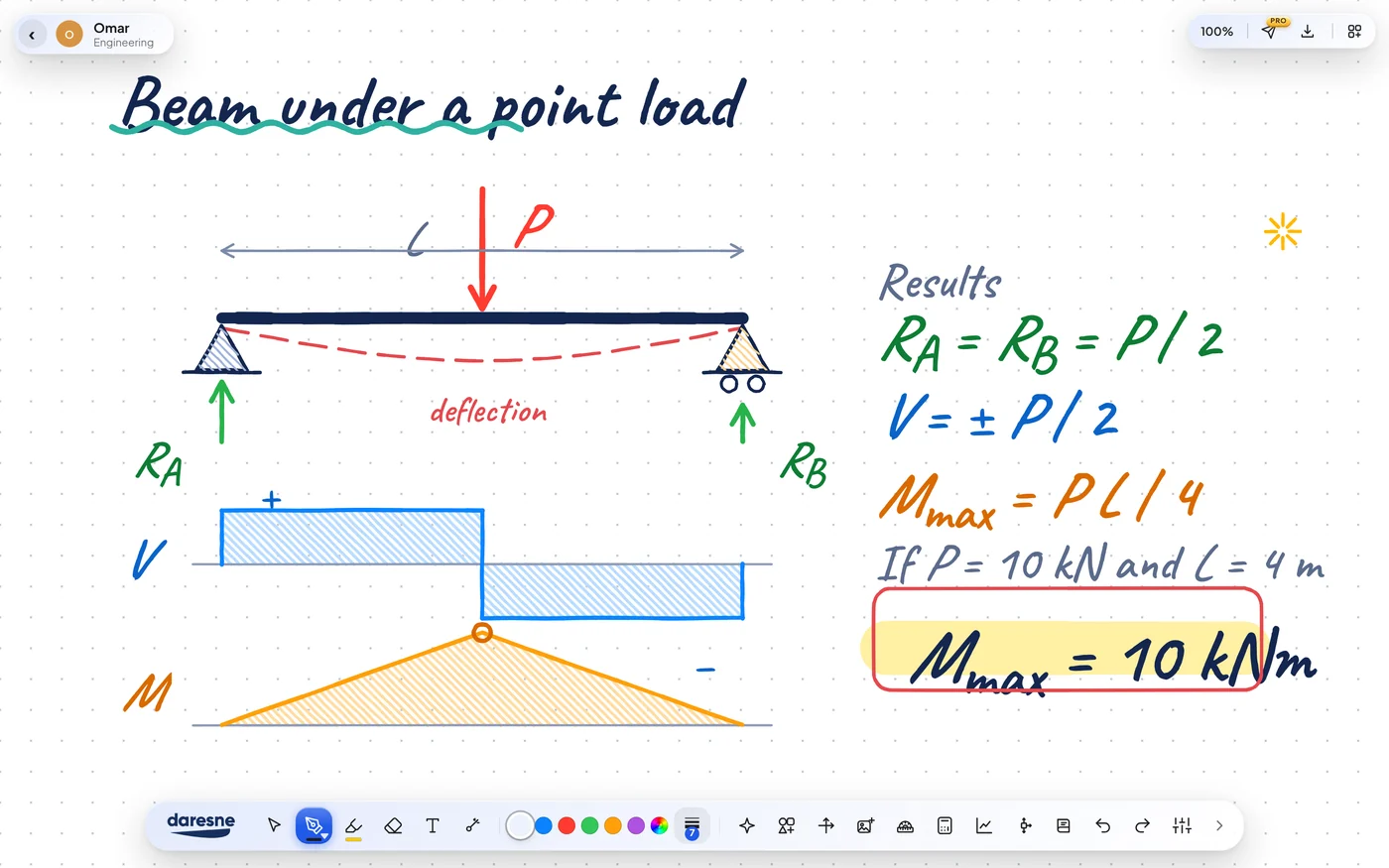
 Daresne WhiteboardOmar, Engineering
 Daresne WhiteboardNoor, Art
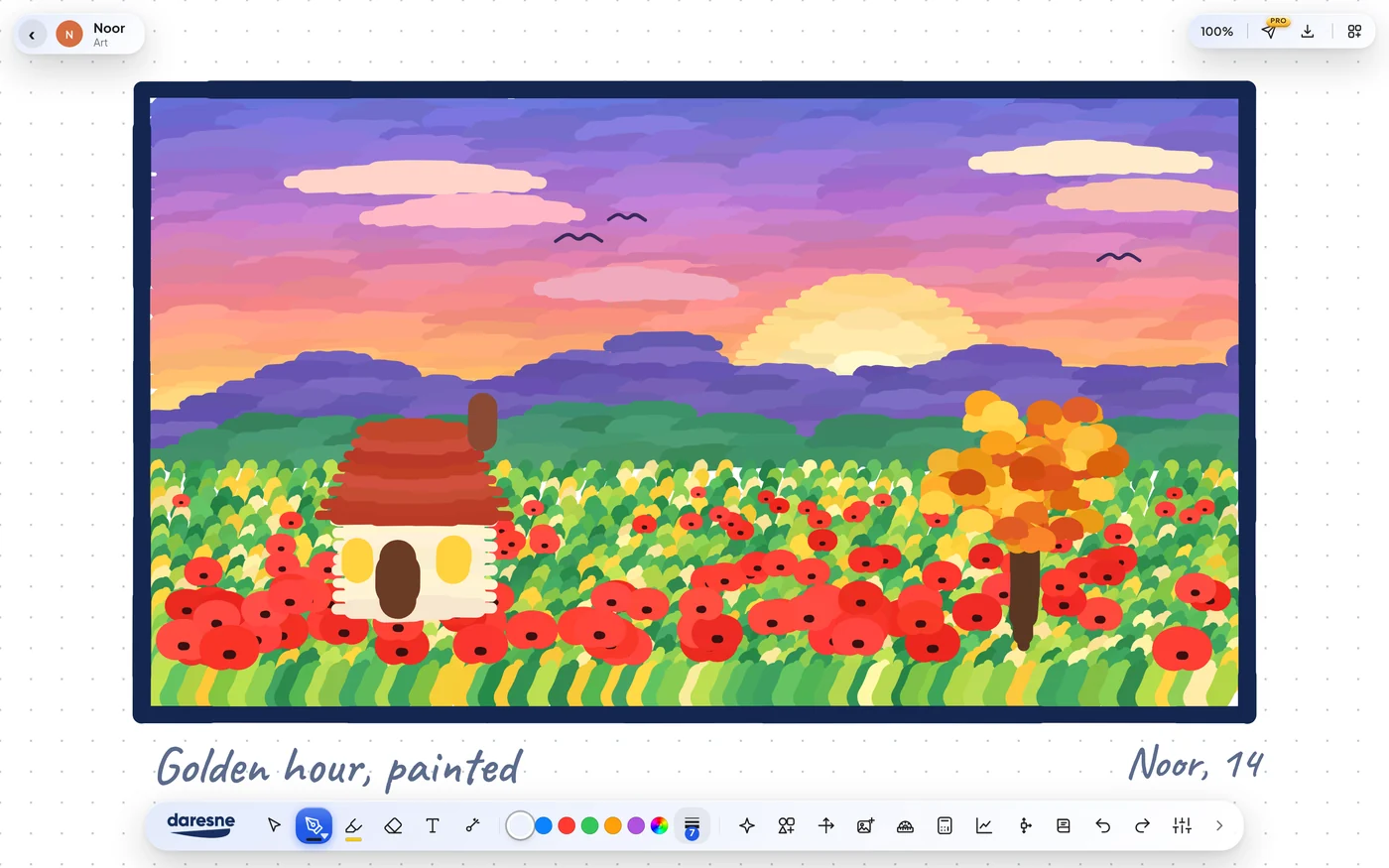 Daresne WhiteboardLucía, Spanish
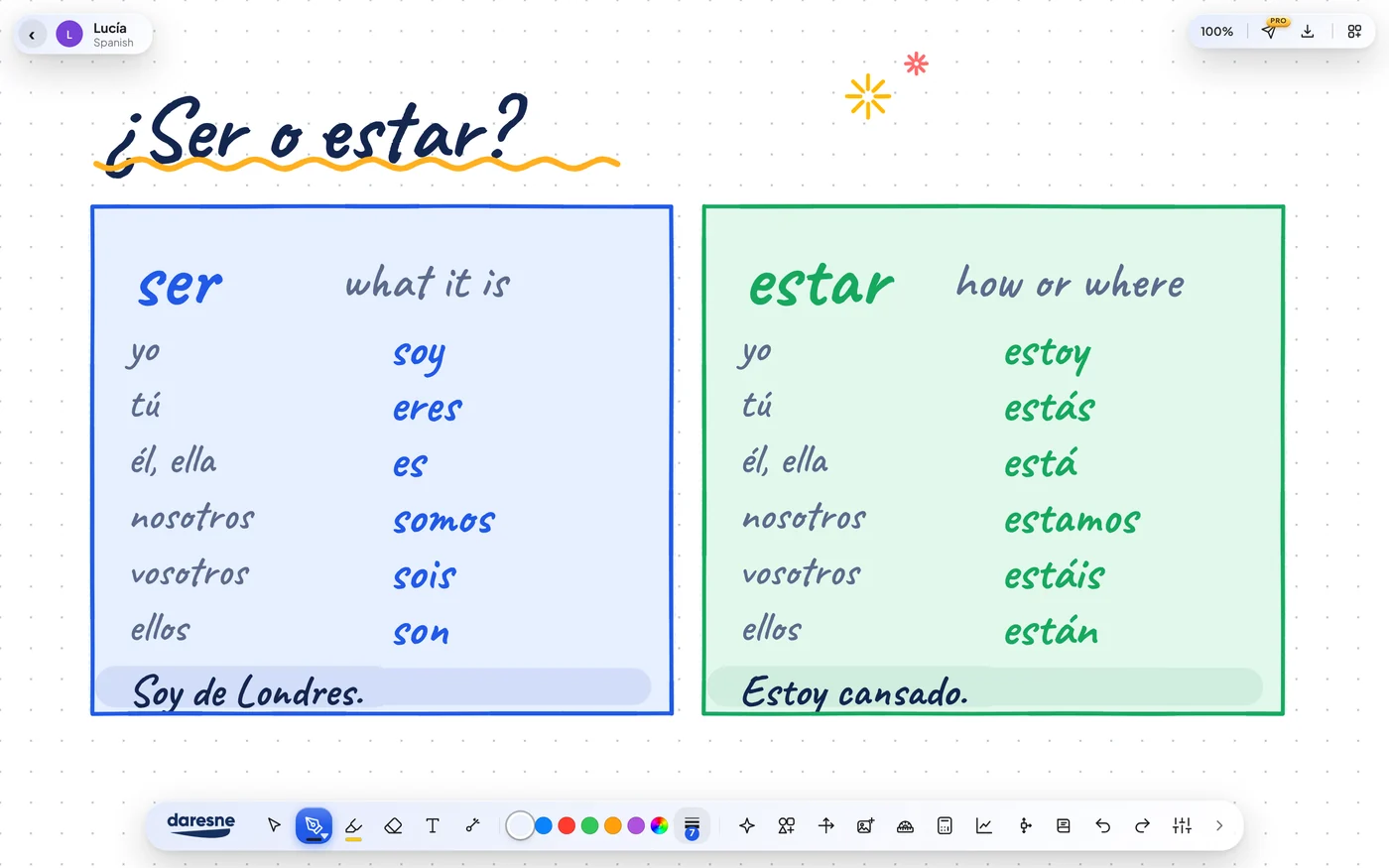 Daresne WhiteboardJonah, Physics
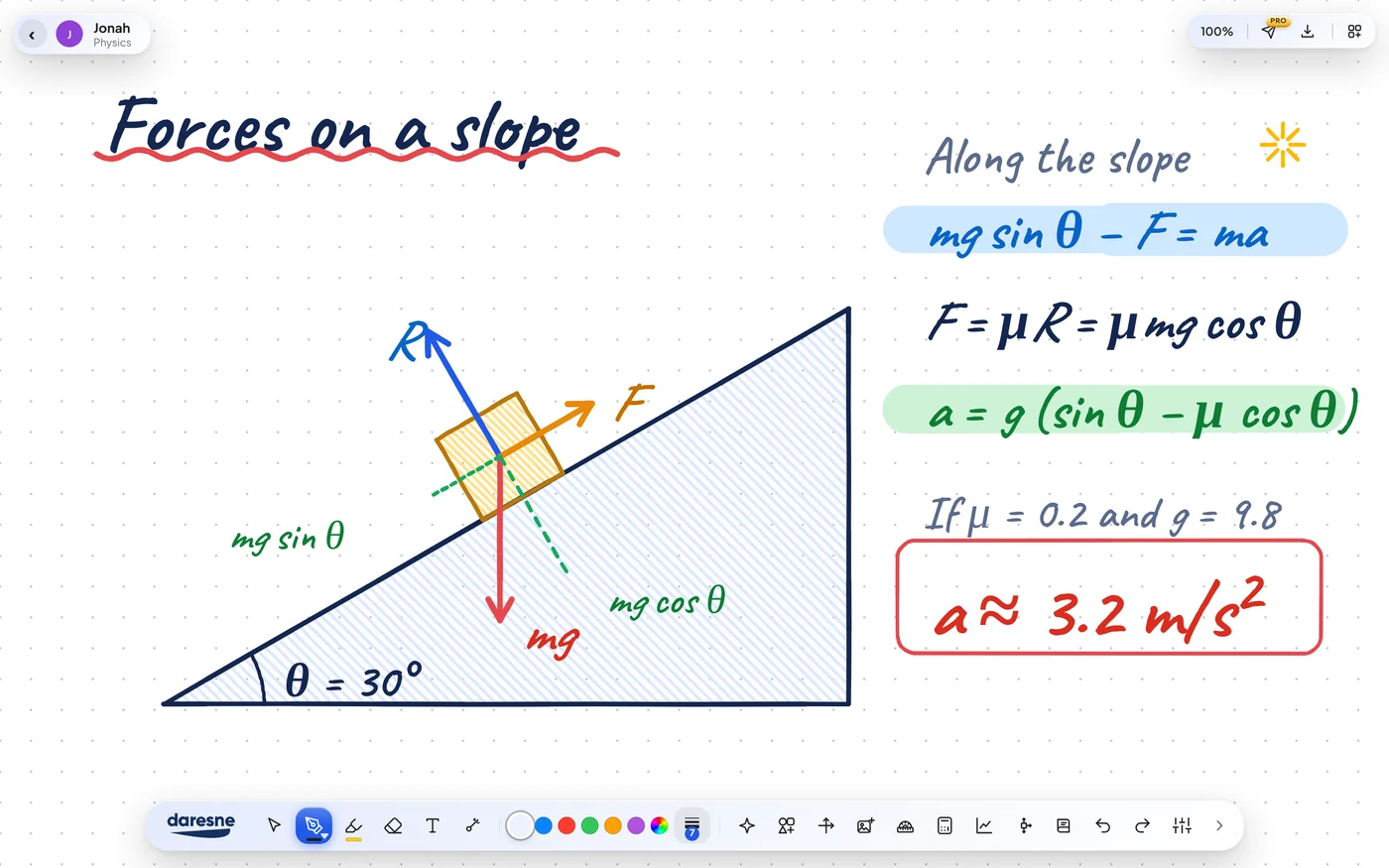 Daresne WhiteboardTheo, Music
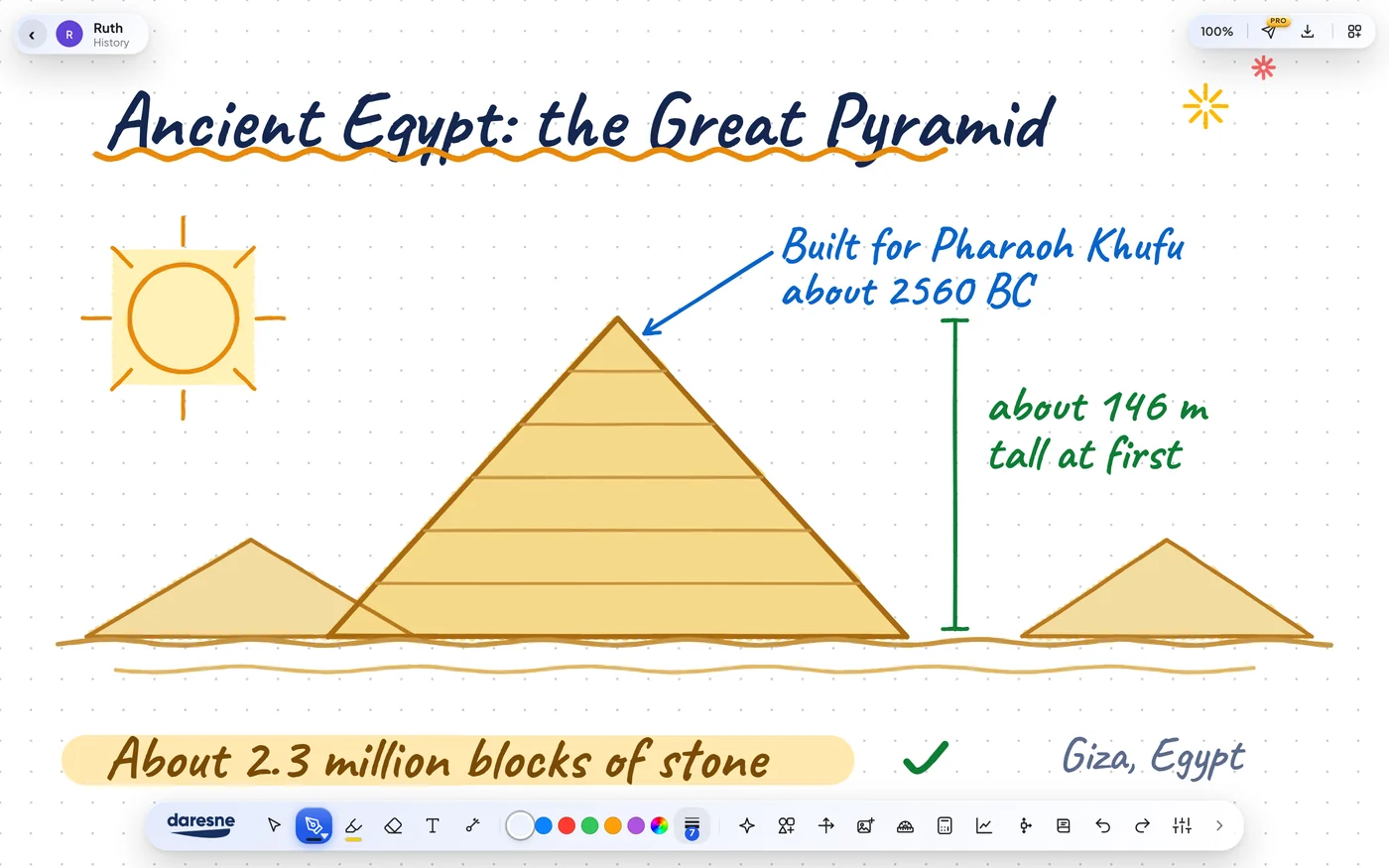
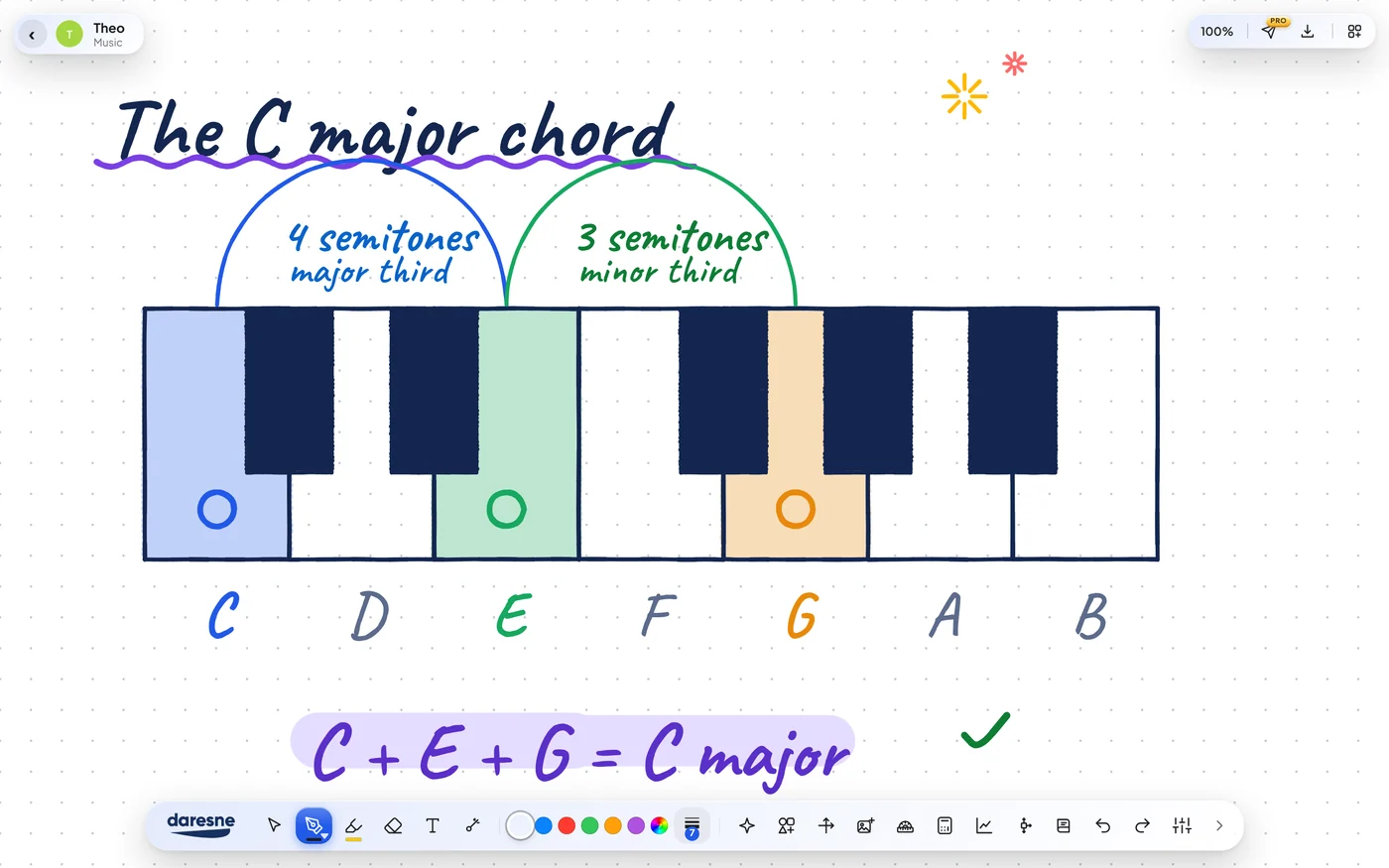 Daresne WhiteboardRuth, History
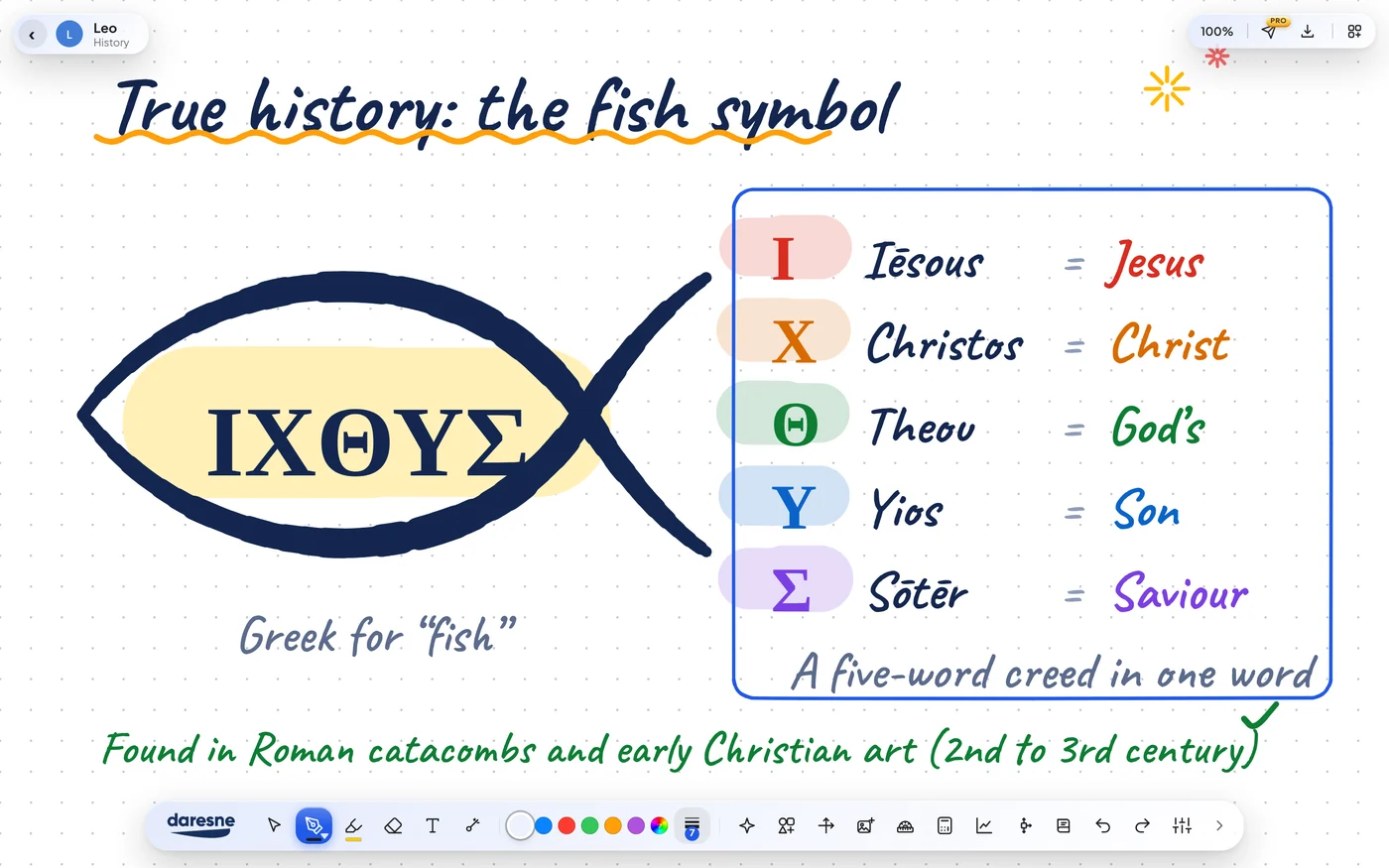
 Daresne WhiteboardLeo, History
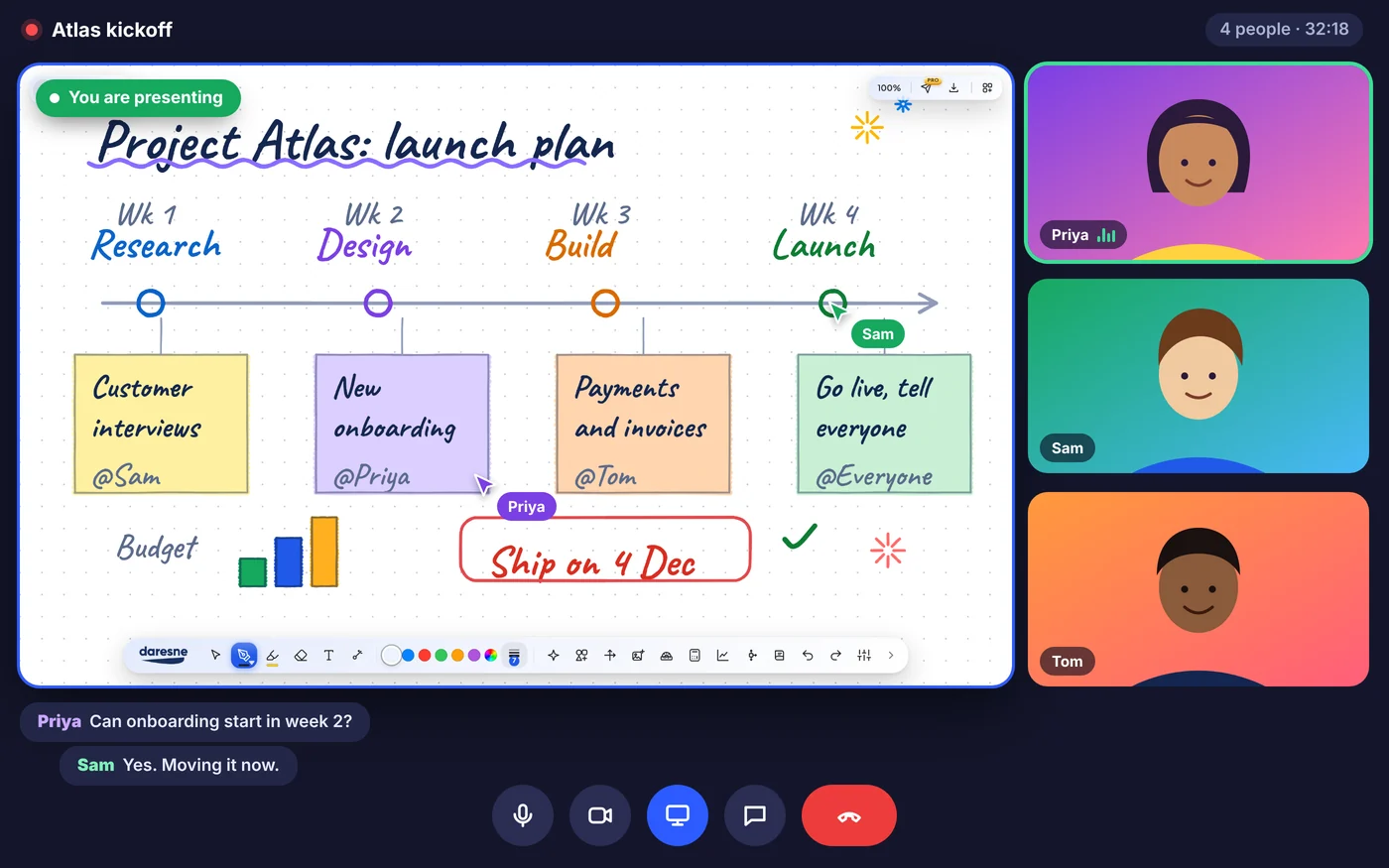
 Daresne WhiteboardShared in a video call
 Daresne WhiteboardMaya, GeometryDaresne WhiteboardMia, ArtDaresne WhiteboardElla, EnglishDaresne WhiteboardOmar, EngineeringDaresne WhiteboardNoor, ArtDaresne WhiteboardLucía, SpanishDaresne WhiteboardJonah, PhysicsDaresne WhiteboardTheo, MusicDaresne WhiteboardRuth, HistoryDaresne WhiteboardLeo, HistoryDaresne WhiteboardShared in a video call
One whiteboard for every way you think.
Example boards only. The students, names and ages shown are fictional and made up for illustration.
See it in 55 seconds.
The smart ruler, protractor, compass and calculator, working live on the board, then your invoices in seconds.
Not just anotherboring whiteboard.
Cozy scenes make the board feel like home, so you want to sit down and think. We pay attention to the small details, from how the pen feels to how every tool looks, because working should be a pleasure.
Calm, cozy, and yours.
A good place to think should feel good to be in. Daresne Whiteboard keeps things soft and quiet, so your ideas stay in front and the app stays out of the way.
- Cozy scenesGentle scenes and warm touches make the board feel like home.
- Soft, calm coloursEasy on the eyes for a long lesson or a long evening of work.
- Room to breatheA clean layout with nothing shouting for your attention.
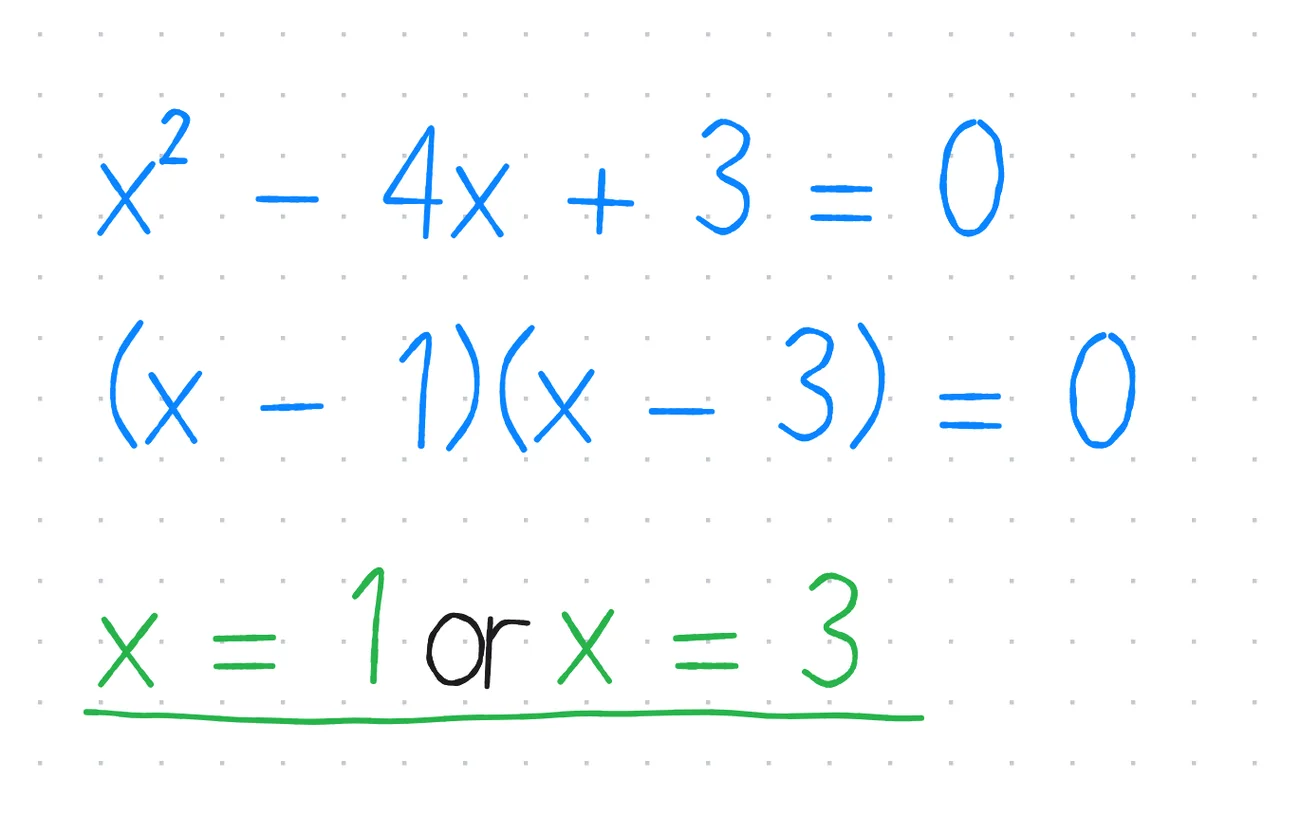
A whiteboard that writes like paper.
Write with a mouse, a pen or a touch screen. Your ink follows your hand, and every whiteboard saves itself as you go.
- Pens, highlighters and shapesFountain pens, highlighters, shapes, text, images and PDFs, all on one board.
- Always savedEvery whiteboard saves itself, so a closed window never costs you your work.
- Made to be sharedExport a lesson, a diagram or a drawing as a PDF in one click.
A calculator and geometry set, built in.
A scientific calculator, a graphing tool and a geometry set, right on the board. Ideal for online tutoring, GCSE and A-level revision, physics, engineering and any work that needs numbers beside a diagram. Nothing to open, nothing between you and the idea.
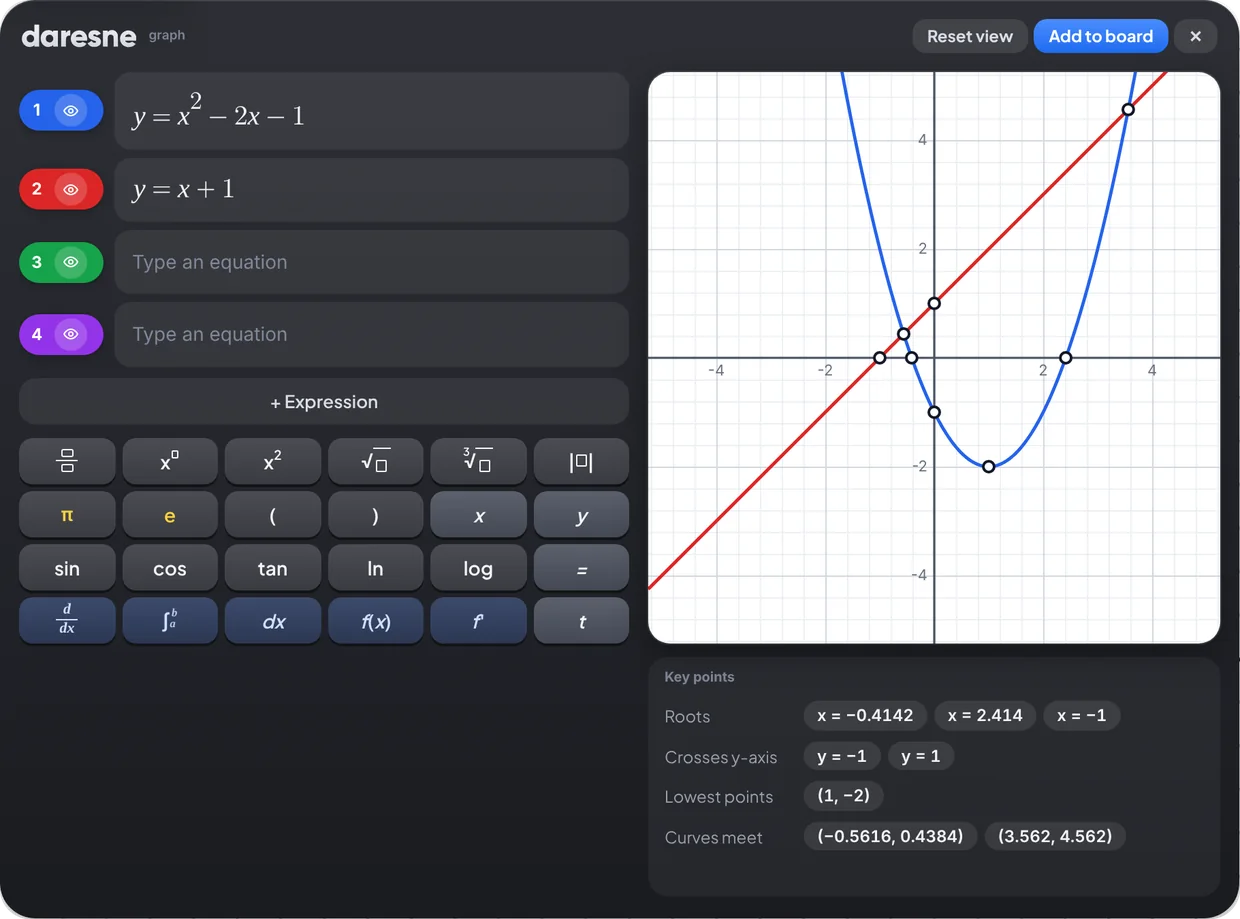
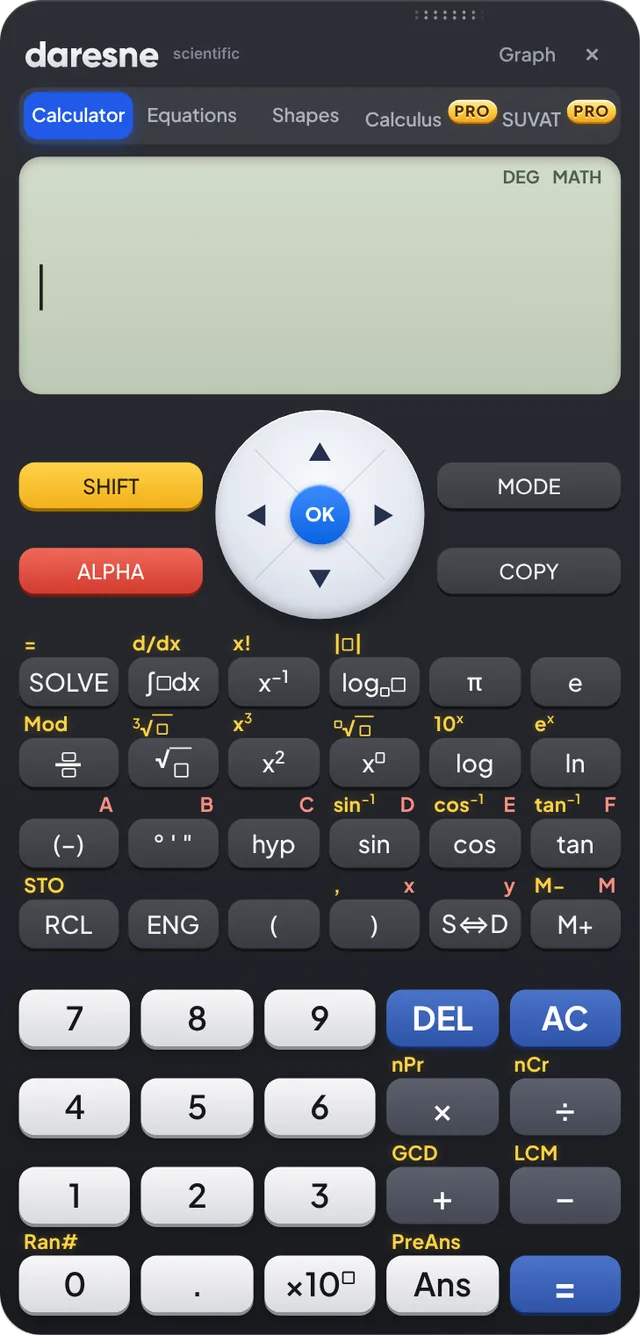
Real tools for real teaching.
A smart ruler, a simple protractor, a compass and a scientific calculator, all inside the whiteboard. Nothing to reach for, and nothing your students cannot see.
A ruler that measures for real
Pick any two points and read the distance between them. Lay the ruler on a PDF and it measures in real centimetres, matching the printed page.
A protractor that is simple to use
Both scales run from 0 to 180, with a centre cross and a measuring arm that shows the angle as you move it.
A compass with a radius you control
Draw circles and arcs, then change the radius whenever you like. Ideal for constructions and circle theorems.
A calculator your students can follow
It opens right on the board. Share your screen and your students see exactly which keys to press and how, which is hard to show in an online lesson and now simple.
And everything around the board.
Pens and PDFs are free for everyone. The tools marked Pro help you send, record and bill your work when you are ready for them.
Natural pens and highlighters
Write in blue, green or any colour you like. Add shapes, text, images and PDFs, then move everything around freely.
PDF in, PDF out
Bring in a worksheet, a drawing or a past paper, write on it, and export the whole board as a PDF.
Lesson e-mails Pro
E-mail the lesson PDF and your feedback to a student or parent in one click, from your own Gmail™.
Recordings and Drive backup Pro
Record a lesson and keep it, with your boards, in your own Google Drive™.
Earnings and invoices Pro
See your earnings grow, find your busiest days and send a clean invoice by PDF, e-mail or WhatsApp.
Daresne AI Pro
Writes lesson feedback and worksheets for you. Pro unlocks it, and you connect your own AI key. Free keys work.
One whiteboard.Many users.
Tutors teach on it. Engineers sketch on it. Artists draw on it. Students learn on it. The same free whiteboard, for everyone who thinks better with a pen in hand.
Made for the way you teach, learn and create.
Private tutors
Run lessons, keep track of every student, send the lesson PDF straight after, and invoice at the end of the month.
Teachers
Explain a method live, work through an exam question step by step, and share the board as a PDF for the class.
Students
Work through problems, plot graphs and revise with a calculator and geometry set always at hand. It is free.
Engineers and architects
Sketch a beam, a circuit or a floor plan, work out the numbers beside it, and export the board as a PDF.
Designers and artists
Sketch ideas, plan a layout or draw something beautiful with natural pens and a rich colour palette.
Teams, founders and coaches
Explain a plan, map out an idea or run a workshop. Share your screen and think out loud on a clean board.
Free to download.Ready in a minute.
No account, no ads and nothing to set up. Open it and start drawing.
Your work stays yours.
Works offline
Draw, write and teach without a connection. Pro only needs to go online now and then to check your licence.
No ads. No profiles.
We do not show ads, we do not build profiles about you, and we never sell data. Optional usage sharing is off until you turn it on.
Kept on your computer
Your whiteboards, notes and student details are saved on your computer. We never receive them.
Tutor invoicing and lesson tracking, in one calm place.
Daresne Tutor Hub comes with Pro. It is lesson tracking and invoicing software for private tutors: your students, lessons, invoices and earnings together, and all of it stays on your computer.
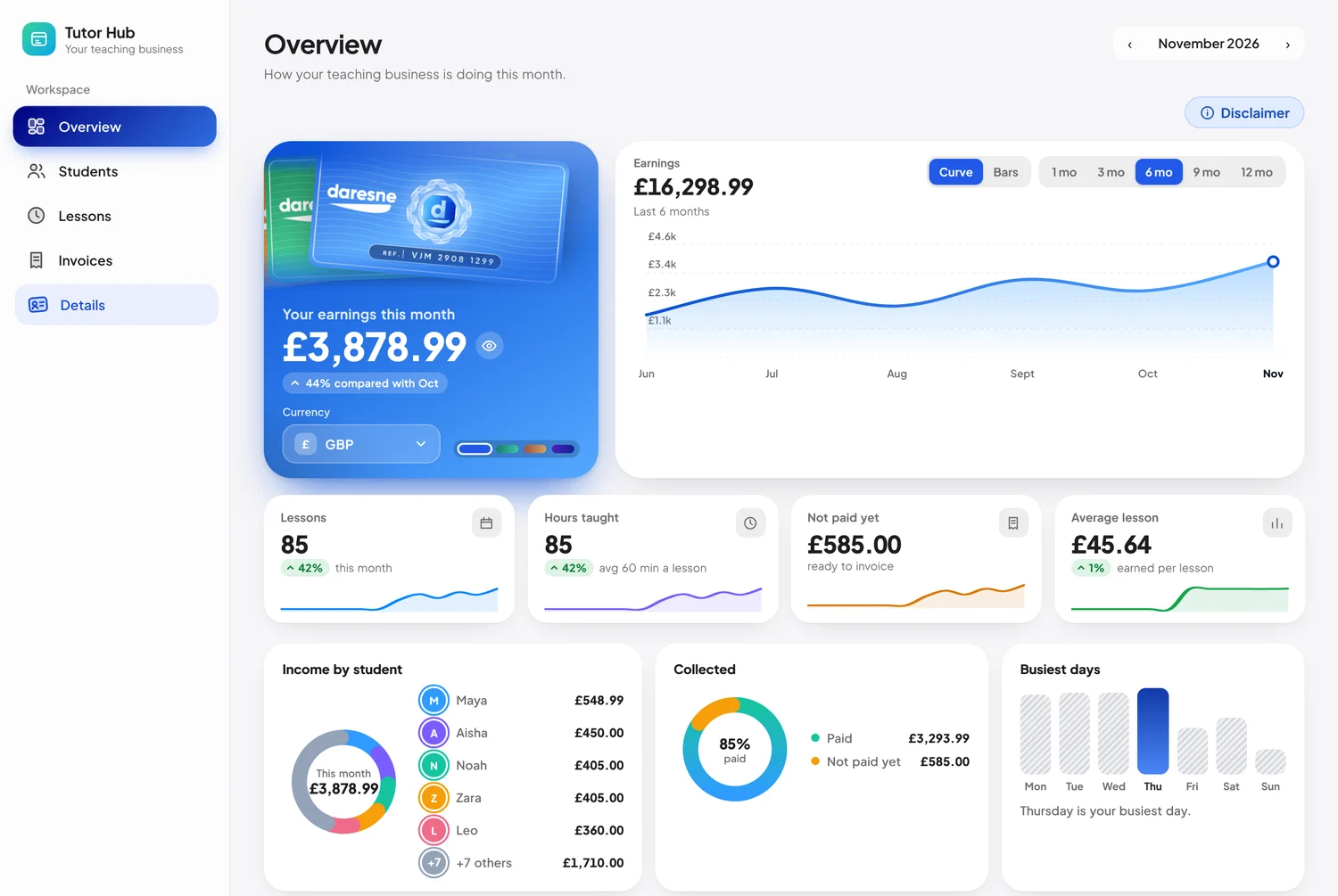
Sample data, shown for illustration.
Whiteboard + Google connected
Connect your Google account once and get your evenings back. Here is what happens, step by step, after every lesson.
- 1Finish your lessonTeach on the board as usual.
- 2Press E-mailThe PDF and your feedback go out from your own Gmail.
- 3It is recordedThe lesson, its length and its rate land in your Tutor Hub.
- 4It is backed upYour boards are kept in your own Google Drive.
Google, Gmail and Google Drive are trademarks of Google LLC. Use of these trademarks is subject to Google Permissions. Daresne Whiteboard is an independent product of Daresne Ltd. It is not affiliated with, endorsed by or sponsored by Google.
How much time could it save you?
back every month
An illustrative estimate. With Pro, we count 20 seconds per lesson.
Invoices, much faster than ever.
No more hunting through a calendar for every Tuesday. Pick the lesson, say how often it repeats, and the whole block is added at once. Here is an example for 4 lessons at £45.
Free to start. Pro when you want more.
Free
Everything you need to draw, explain and save your work.
- Pens, highlighters, shapes, text, images and PDFs
- Scientific calculator, graphs and geometry set
- Smart ruler, protractor and compass
- Quadratic and 2-equation solver
- Up to 3 student profiles
- Works offline, with no account
Pro
Save 33% compared with paying monthly.
- Everything in Free
- Daresne Tutor Hub: unlimited students, lessons, invoices and earnings
- E-mail lessons and feedback to students
- Lesson recordings and Google Drive backup
- Daresne AI for feedback and worksheets (bring your own key)
- Cubic, quartic and 3-equation solving, calculus and SUVAT
- Clean PDFs, and use on 2 computers
14-day money-back promise on every plan. Cancel any time. Read the refund policy
Questions, answered.
Frequently asked questions about the free whiteboard app for Windows, online tutoring, Pro and invoicing.
The essentials
The answers most people need before they download.
Is Daresne Whiteboard really free?
Does it work offline?
Which computers does it run on, and how do I install it?
Do I need an account to use it?
Does it work with a pen or a touch screen?
Does it have a calculator, graphing tool, ruler, protractor and compass?
Can I write on a PDF worksheet or past paper?
How much does Pro cost?
Can I cancel, or get a refund?
Is my work private, and where is it saved?
Is it safe to download?
Using the whiteboard
Lessons, countries and who it is for.
Is Daresne Whiteboard good for online tutoring?
How do I use it for lessons in Zoom, Google Meet or Teams?
Does it work in the US, the UAE, India and other countries?
How is it different from other whiteboard apps?
Is it only for tutors and teachers?
Pro and invoicing
Plans, tutor tools and Daresne AI.
What does Pro add, and what stays free?
Is there invoicing software for private tutors in it?
How much time can invoicing save me?
What is Daresne AI?
Do I need a Google account?
Can I use Pro on more than one computer?
About us
Who we are and who can use it.
Who makes Daresne Whiteboard?
Can children use it?
Start with a blank board.
Download it, open it and start drawing. Your next lesson, diagram or masterpiece is about a minute away.
- Free to download
- Works offline
- No account needed
- No ads
For Windows 10 and 11. Want invoicing and lesson e-mails? Pro is from £2.99 a month.